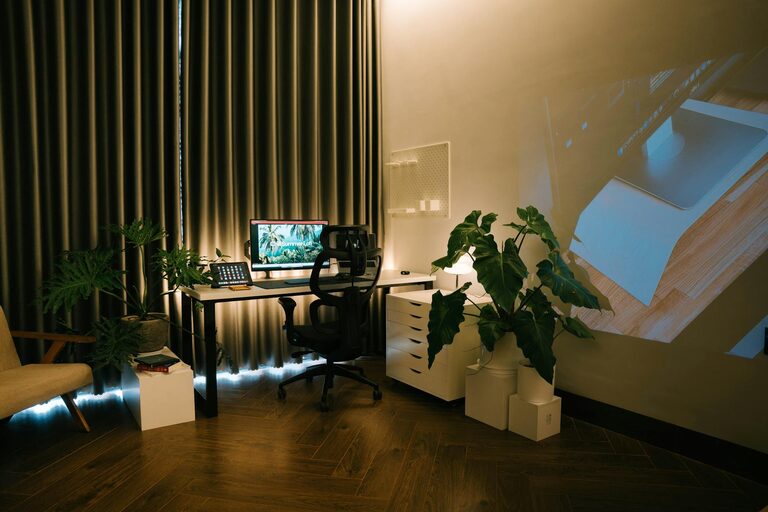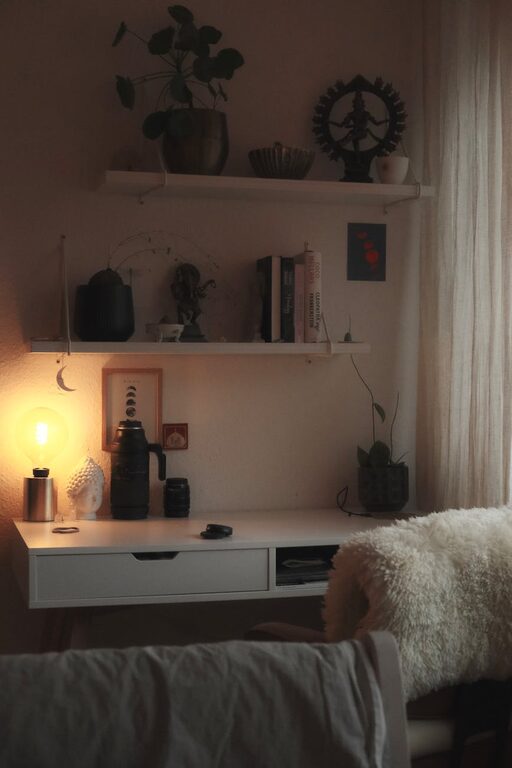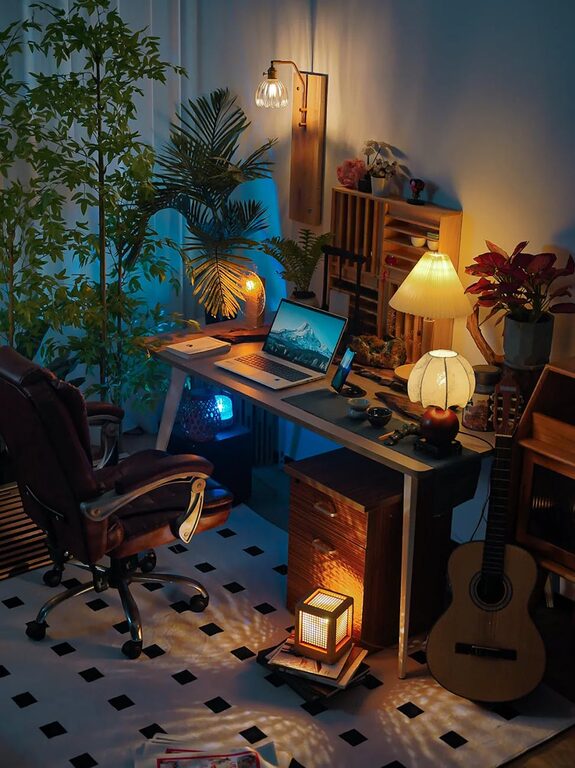
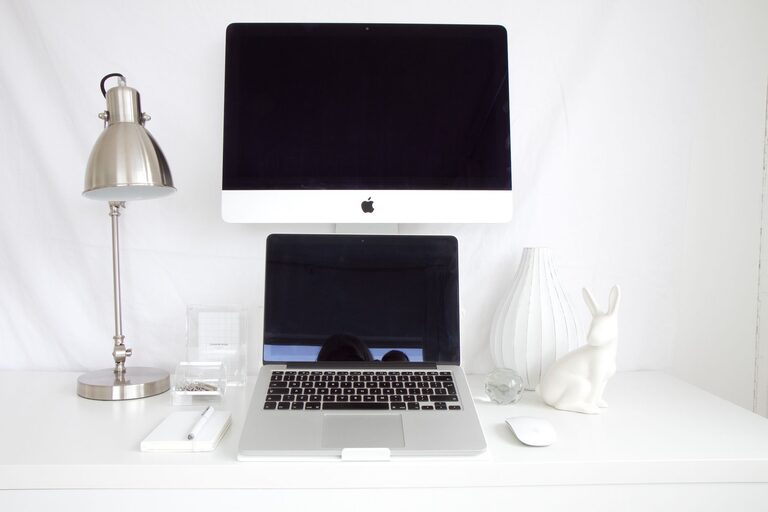
Creating a productive home office space is essential for anyone working remotely or managing tasks from home. A well-organized workspace not only improves efficiency but also helps maintain a clear boundary between work and personal life. Whether you have a dedicated room or a small corner, the right setup can transform your routine. Here are some practical tips to help you organize a home office that supports focus, comfort, and productivity.
1. Choose the Right Location
The first step in setting up a productive home office is selecting the ideal spot. Consider these factors:
– Natural light: Position your desk near a window if possible. Natural light reduces eye strain and boosts mood.
– Quiet environment: Choose a space away from household noise and distractions.
– Space availability: Ensure there is enough room for your desk, chair, and additional equipment.
If space is limited, a small nook, part of the living room, or a bedroom corner can also work well with the right organization.
2. Invest in Ergonomic Furniture
Comfort directly impacts productivity, so prioritize ergonomic furniture:
– Desk: Choose a desk that fits your space and allows enough surface area for your computer, documents, and accessories.
– Chair: Invest in an adjustable chair with lumbar support to maintain good posture.
– Keyboard and mouse: Ergonomic designs reduce strain on wrists and hands.
Adjust your chair and desk height so your feet rest flat on the floor, and your elbows stay at a 90-degree angle when typing.
3. Organize Your Desk Efficiently
Keeping your desk tidy helps minimize distractions and makes it easier to find what you need:
– Use organizers: Desk trays, pen holders, and drawer dividers create order.
– Limit items on the surface: Keep only essentials like your computer, a notepad, and a pen within reach.
– Cables management: Use clips or cable sleeves to keep cords neat and avoid clutter.
Regularly clean your desk by removing unnecessary papers and wiping the surface to maintain a fresh work environment.
4. Utilize Storage Solutions
Adequate storage solves clutter problems and keeps your workspace functional:
– Shelving: Wall-mounted shelves save floor space and hold books, files, or decorative items.
– Filing cabinets: Use for organizing documents and maintaining privacy.
– Storage boxes and baskets: Ideal for supplies or tech accessories you don’t need daily.
Label storage containers to make items easier to locate and return after use.
5. Control Lighting for Comfort and Focus
Good lighting is crucial for reducing eye strain and enhancing productivity:
– Natural light: Maximize daylight but avoid glare by using sheer curtains or blinds.
– Task lighting: A desk lamp with adjustable brightness can help focus on documents or detailed work.
– Ambient lighting: Soft overhead lights complement task lighting and create a comfortable atmosphere.
Position your desk lamp on the opposite side of your dominant hand to prevent shadows while writing.
6. Minimize Distractions
A distraction-free environment helps maintain focus throughout the workday:
– Noise control: Use noise-canceling headphones or play background music if it helps concentration.
– Phone and social media: Keep your phone on silent or in another room to avoid interruption.
– Clear boundaries: Let family members or roommates know your working hours to minimize disturbances.
Establish a routine that helps you mentally transition between work and personal time.
7. Personalize Your Workspace
Adding a few personal touches can improve motivation without cluttering the space:
– Plants: Small greenery can refresh the air and provide a calming visual.
– Artwork or photos: Choose inspiring or calming images to decorate your walls.
– Color choices: Incorporate colors that promote productivity, like blues and greens, in your décor.
Keep personalization simple to maintain a professional and tidy environment.
8. Use Technology Wisely
Ensure your technology setup supports productivity:
– Reliable internet connection: A stable connection is vital for virtual meetings and research.
– Monitor setup: Consider dual monitors for multitasking comfort.
– Software tools: Use productivity apps for task management, scheduling, and note-taking.
Keep software up to date and organize your digital files for quick accessibility.
9. Establish a Daily Routine
Creating a schedule helps reinforce the use of your organized space:
– Set regular working hours: Maintain consistency to balance work and personal life.
– Take breaks: Short, regular breaks improve focus and prevent burnout.
– End-of-day routine: Clean your desk and plan tasks for the next day to start fresh.
A routine helps you use your home office as a dedicated place for work, not just a random spot at home.
—
By following these tips, you can build a home office space that supports productivity, comfort, and well-being. Remember that the best setup is one tailored to your specific needs and preferences. Take time to adjust and improve your workspace over time to keep it a productive place to work every day.
About the Author