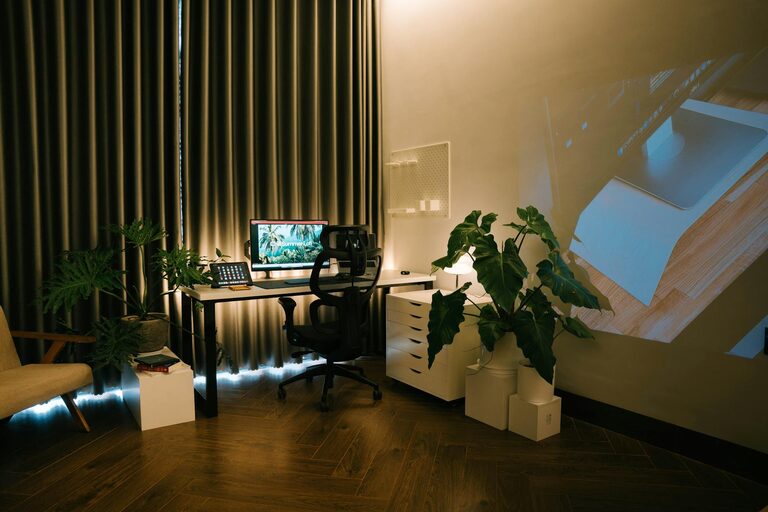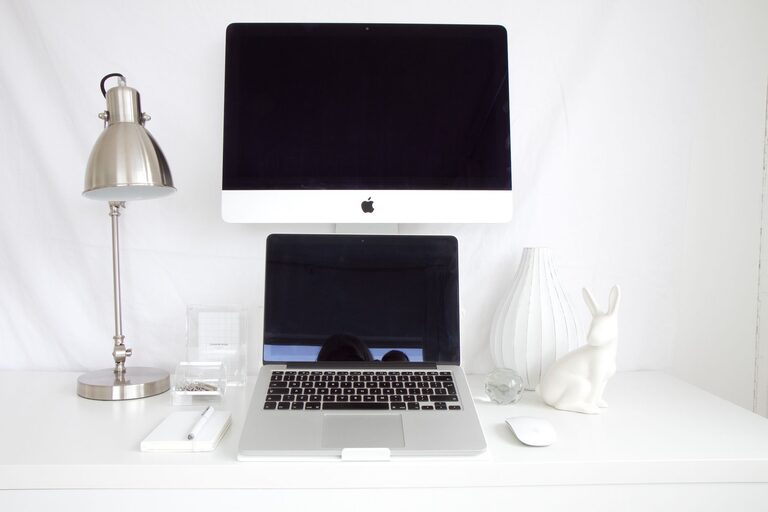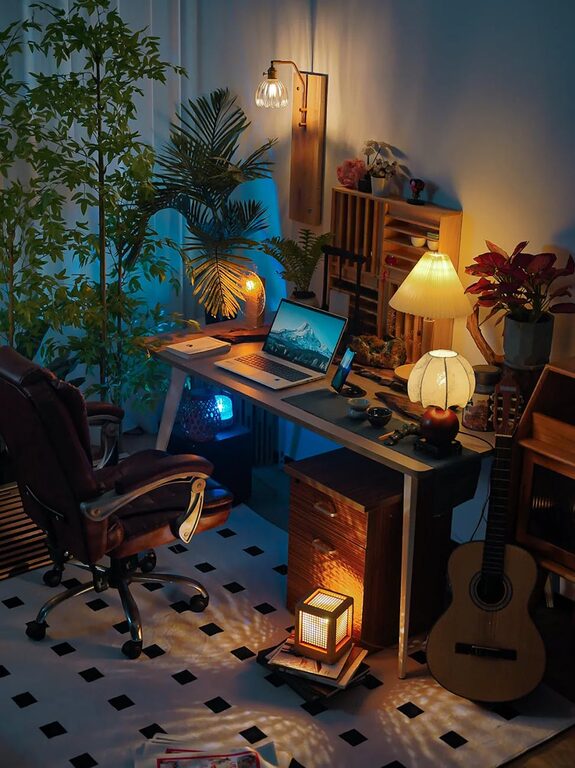
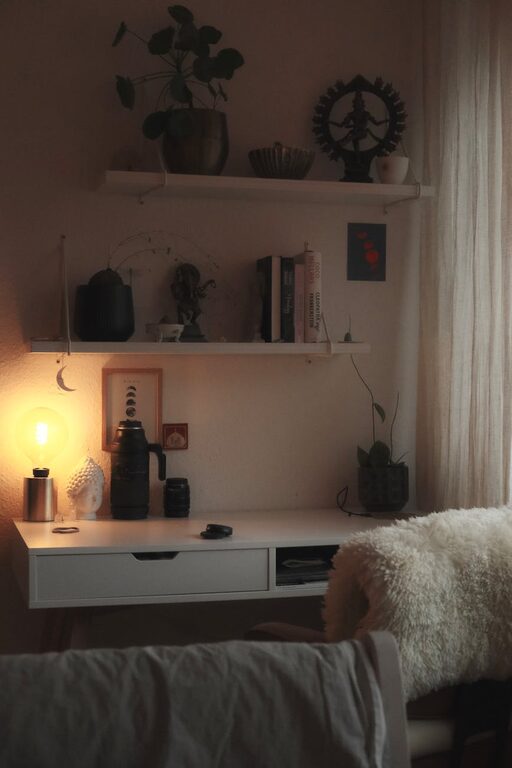
Creating a home office that balances comfort and productivity can greatly enhance your work-from-home experience. Whether you have a dedicated room or a small corner, thoughtful design and organization can transform your space into a sanctuary for focus and creativity. Here are some practical tips to help you set up a cozy and efficient home office.
Choose the Right Location
Start by selecting a spot in your home that offers minimal distractions and allows you to separate work from leisure. Ideally, a quiet area with natural light is best for staying motivated and alert.
– Natural Light Matters: Place your desk near a window if possible. Natural light boosts mood and reduces eye strain.
– Consider Privacy: Avoid high-traffic areas to help minimize interruptions during work hours.
– Noise Levels: Choose a space where you can control or limit noise. Consider noise-cancelling headphones if needed.
Invest in Comfortable and Functional Furniture
Your furniture should support good posture and comfort, as well as fit the scale of your workspace.
– Ergonomic Chair: A supportive chair helps prevent back pain and keeps you comfortable during long hours.
– Appropriate Desk: Select a desk that fits your work needs, whether it’s a simple tabletop or one with storage.
– Adjustable Options: Consider adjustable desks that allow you to alternate between sitting and standing.
Optimize Lighting
Good lighting is essential for reducing eye strain and maintaining focus.
– Layer Your Lighting: Combine natural light, overhead lighting, and task lamps.
– Use Warm Light Bulbs: Warm tones create a cozy atmosphere, helping to reduce fatigue.
– Position Task Lighting: Place a desk lamp where it illuminates your work area without causing glare on your screen.
Organize with Purpose
A clutter-free workspace helps clear your mind and improves efficiency.
– Desk Organizers: Use trays, pen holders, and drawer dividers to keep supplies tidy.
– Shelving and Storage: Install shelves or cabinets for documents and equipment.
– Cable Management: Use clips or cable sleeves to keep cords neat and prevent tangling.
Add Personal and Cozy Touches
Incorporate elements that make your space inviting and enjoyable to spend time in.
– Plants: Adding greenery improves air quality and provides a calming effect.
– Textiles: Use a soft rug or cushions to add warmth and texture.
– Artwork and Photos: Decorate with inspiring images or personal photos that motivate you.
Manage Technology Efficiently
Ensure your equipment supports your workflow smoothly.
– Reliable Internet Connection: A stable connection is vital for video calls and research.
– Essential Devices: Choose monitors, keyboards, and mice that improve comfort and productivity.
– Backup Solutions: Use cloud storage or external drives to protect your important files.
Establish Boundaries and Routine
Your environment can help reinforce a healthy balance between work and personal time.
– Set Office Hours: Define clear working times to avoid overworking.
– Create Rituals: Start your day with a routine to signal it’s time to focus.
– Keep Work in Your Office Space: Avoid working from bed or couch to maintain mental separation.
Maintain Your Space Regularly
A tidy and functional office requires upkeep.
– Daily Tidying: Spend a few minutes clearing your desk at the end of each day.
– Weekly Deep Clean: Dust surfaces, vacuum floors, and organize files regularly.
– Update Equipment: Check for worn-out supplies or outdated gear and replace as needed.
—
Designing a home office that feels cozy yet keeps you productive doesn’t require a huge budget or space. Focus on comfort, good organization, and a pleasant environment tailored to your personal preferences. By following these tips, you can create a workspace where you will enjoy spending your day and be at your best professionally.
About the Author