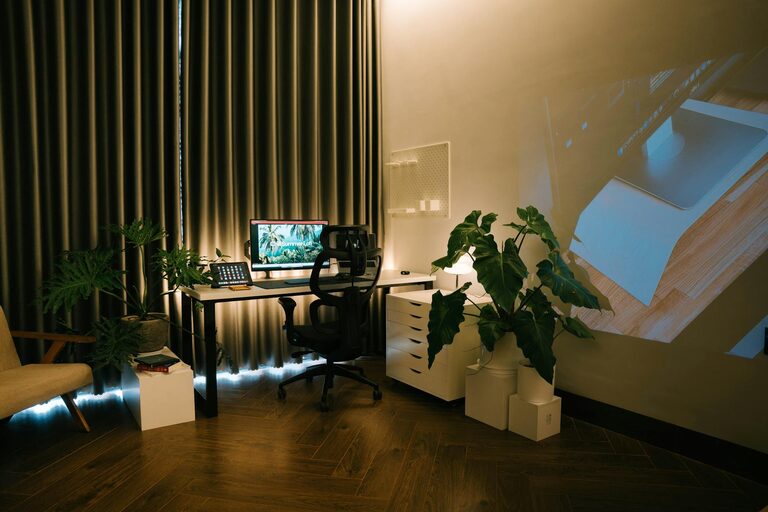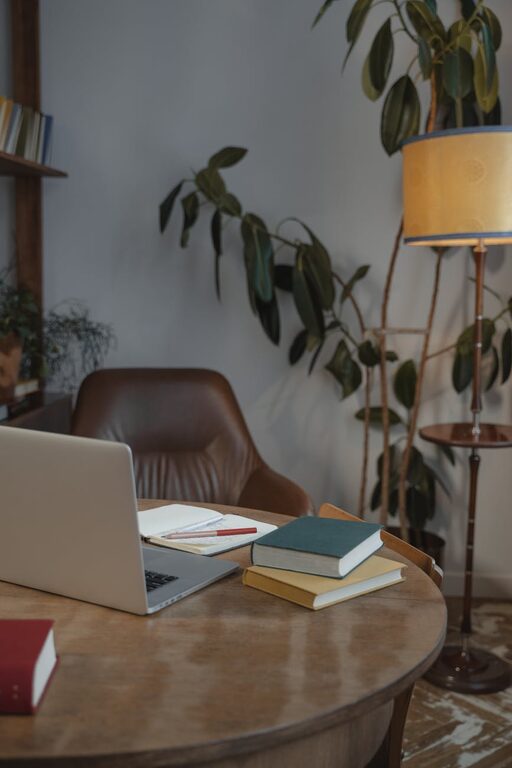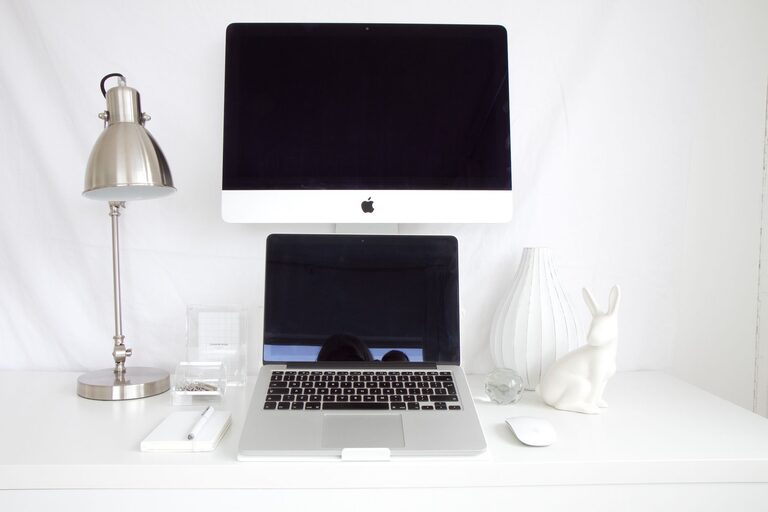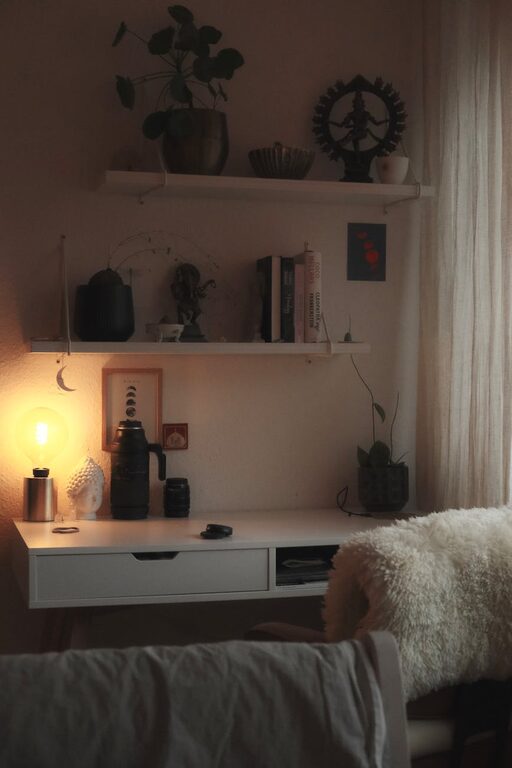
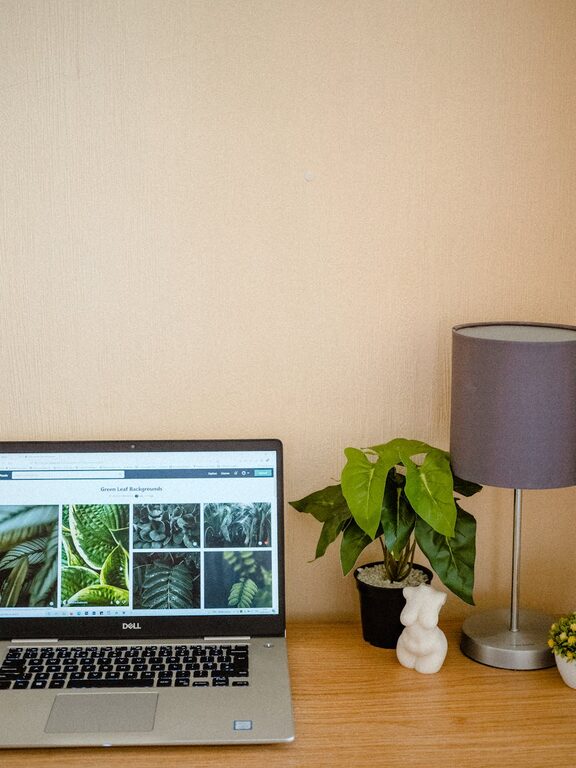
Creating a cozy and functional home workspace is essential for anyone working or studying from home. Having a dedicated area that combines comfort with productivity can make your daily tasks more enjoyable and help you maintain focus. Whether you have a large room or just a small corner, these tips will guide you in designing a space that suits your needs and preferences.
Why a Dedicated Workspace Matters
Having a designated workspace helps separate your professional life from your personal life. It signals to your brain when it’s time to work and when it’s time to relax. A well-organized and comfortable area can improve your concentration, reduce stress, and boost your overall productivity.
Choosing the Right Location
Consider Natural Light
Pick a spot with plenty of natural light if possible. Sunlight can lift your mood and reduce eye strain. Position your desk near a window, but avoid glare on your screen by using curtains or blinds.
Minimize Distractions
Try to find a quiet area away from household noise like the TV or kitchen. If your home is busy, noise-cancelling headphones or a white noise machine might help.
Space and Flexibility
Make sure the space you choose can accommodate your work essentials such as a desk, chair, and storage. If space is tight, multi-use furniture or wall-mounted shelves can save room.
Choosing Comfortable and Supportive Furniture
Ergonomic Chair
Invest in an ergonomic chair that supports your posture and can be adjusted for height, backrest, and armrests. Comfort is key if you spend long hours sitting.
Desk Options
Select a desk that fits your technology and workspace needs. Adjustable desks that allow you to switch between sitting and standing can promote movement throughout the day.
Personal Touches
Add cushions or throws to your chair for extra comfort. Including soft textures makes the space feel welcoming and cozy.
Organizing for Functionality
Declutter Regularly
A tidy workspace can help clear your mind and improve focus. Keep only essential items on your desk, and store others away.
Use Storage Solutions
Organizers, shelves, baskets, and drawer dividers can keep supplies neatly arranged. Label containers for easy access.
Cable Management
Use clips, tunnels, or ties to keep cords and cables organized and out of sight, reducing visual clutter and hazards.
Lighting for Comfort and Productivity
Layer Your Lighting
Combine natural light with ambient lighting and a good quality desk lamp. Adjustable lamps with warm light settings help reduce eye strain during late hours.
Avoid Glare
Position your screen perpendicular to windows or use anti-glare screen protectors to avoid reflection and discomfort.
Incorporating Personal Elements
Plants and Greenery
Adding plants not only enhances aesthetics but also purifies the air and promotes calmness.
Artwork and Decor
Display artwork or photos that inspire you. Personal belongings can make the space feel inviting and uniquely yours.
Scent and Sound
Consider using a subtle diffuser with a calming scent or playing background music or nature sounds to create a soothing environment.
Maintaining Work-Life Balance at Home
Set Clear Boundaries
Define your work hours and stick to them. When the day is over, clean your workspace or close a door to mentally separate your work from your private life.
Take Breaks and Move
Incorporate short breaks and stretching exercises into your routine to maintain energy and wellbeing.
Keep Healthy Habits
Eat at a separate table if possible and avoid working while eating to give yourself a mental break.
Final Thoughts
Creating a home workspace that balances coziness and function takes some thought but can greatly improve your wellbeing and productivity. By choosing the right location, investing in comfortable furniture, managing your organization, and incorporating personal touches, you’ll build a space where work feels less like a chore and more like a part of your life you enjoy. Remember, the best workspace is one tailored to your habits and needs—feel free to experiment and adjust as you go.
About the Author